
 10 min read


A well-designed website is the cornerstone of any successful brand, business, or organization. It serves as your digital storefront, showcasing your services, sharing your story, and building credibility. Whether you run a large company or a small startup, having a strong online presence starts with choosing the best website builder.
There are countless options available, but not all builders are created equal—especially when it comes to search engine optimization (SEO) and e-commerce functionality. In this guide, we’ll help you narrow your choices and find the builder that works for you.
What Is a Website Builder?
Thanks to advancements in technology, DIY website builders have become increasingly accessible—even for users without web development experience. These platforms empower businesses to create professional websites without the high cost of hiring developers.
To choose the right website builder, start by identifying your goals. Are you building a blog, launching an online store, or creating a service-based website? Understanding the purpose of your site helps you select the best tools and features that align with your goals.
A good website builder will offer flexibility, scalability, and built-in SEO tools that can grow with your business.
Key Features to Look for in a Website Builder
Not all builders are equal—especially when it comes to features. When comparing platforms, prioritize those with:
-
SEO customization (meta tags, alt text, URL structure)
-
Mobile responsiveness
-
Built-in blogging tools
-
Easy integration with Google Analytics
-
E-commerce capabilities (if needed)
For small businesses, tools like WordPress, Wix, and Squarespace are often considered some of the top website builders due to their user-friendly interfaces and robust design options.
While some platforms are free – like WordPress – investing in a paid website builder often unlocks advanced SEO settings, better templates, and more storage—critical components for long-term success.
Templates and Design Flexibility
Website templates give you a foundation to build on. Most website builders offer a wide range of professional templates, allowing you to create a visually appealing site with minimal design experience.
For example:
-
Wix and GoDaddy offer high-quality templates, even on their free plans.
-
Look for builders with industry-specific templates that are mobile-optimized and customizable.
Choosing a builder with great templates can save you time and help you launch faster, while still looking polished and professional.
Website Builder Costs: Free vs Paid Plans
Many platforms offer free versions, like WordPress or Weebly, but these often come with limitations:
-
Limited storage and bandwidth
-
No custom domain support
-
Mandatory ads on your site
While free tools are great for personal projects or early-stage startups, businesses that want full control and scalability should invest in a paid plan. Most paid builders offer reasonable pricing tiers that unlock additional features, such as:
-
Custom domains
-
Ad-free experiences
-
Enhanced customer support
-
Advanced analytics and SEO tools
Did you know? There are 472 million WordPress sites – that’s almost half the entire internet!
Trusted Website Builder Brands
Brand reputation matters when selecting a builder. Opt for established companies with strong user bases, regular updates, and dependable support teams. The most-used platforms are continuously evolving, adding new features, improving SEO, and offering integrations with other marketing tools.
Popular brands include:
-
WordPress – best for content-heavy sites
-
Shopify – best for online stores
-
Squarespace – best for design-focused users
-
Wix – best for all-around functionality
Best Website Builders for SEO and Search Visibility
SEO is essential for driving organic traffic to your website. Builders that are good for SEO will always include built-in tools or support plugins that enhance your search engine visibility.
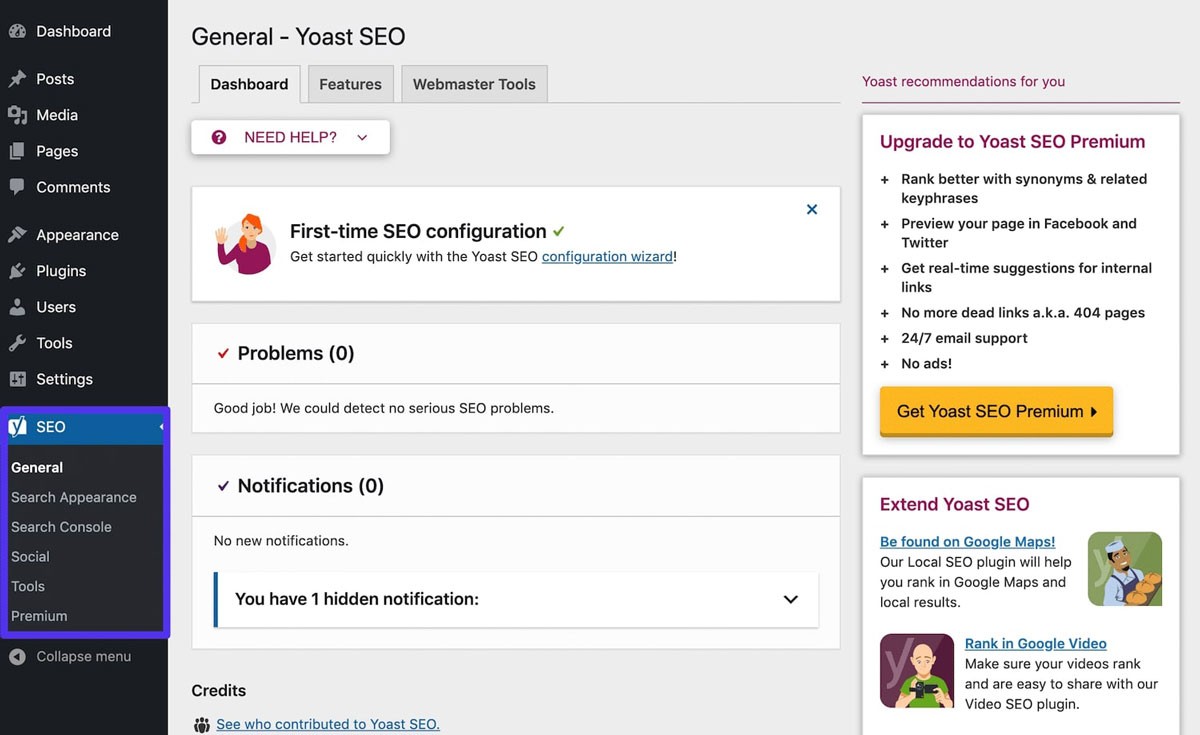
(Yoast SEO is one of the best SEO plugins for WordPress, Kinsta.com)
Core SEO features to look for:
-
Editable title tags and meta descriptions
-
Clean, search-friendly URLs
-
Automatic sitemap generation
-
Alt text for images
-
Fast load times and mobile optimization
Top builders also integrate well with Google Search Console, allowing you to track your performance and fix errors quickly. SEO is what helps people find your business—so make it a priority when selecting a builder.
Test your SEO in 60 seconds!
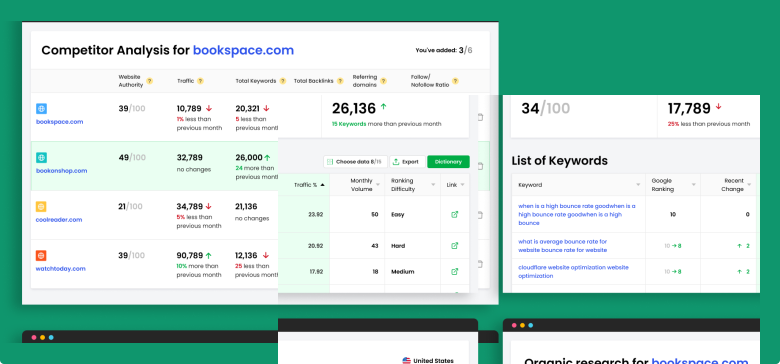
Diib is one of the best SEO tools in the world. Diib uses the power of big data to help you quickly and easily increase your traffic and rankings. Diib will even let you know if you already deserve to rank higher for certain keywords. As seen in Entrepreneur!
- Easy-to-use automated SEO tool
- Keyword and backlink monitoring + ideas
- Speed, security, + Core Vitals tracking
- Intelligently suggests ideas to improve SEO
- Over 500,000 global members
- Built-in benchmarking and competitor analysis
Used by over 500k companies and organizations:




Syncs with 
Hosting and Domains: What to Know
When choosing the right website builder for you, consider whether the platform includes hosting and domain services. Some platforms offer all-in-one solutions, while others require third-party hosting.
Benefits of bundled hosting and domains:
-
Simplified setup
-
Faster performance
-
Improved site security
-
Easier technical support
Platforms like Squarespace, Shopify, and Wix handle both domain registration and hosting, which is ideal for beginners and small businesses.
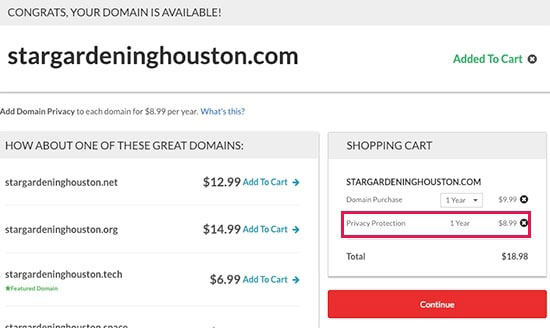
(Purchasing a Domain, wpbeginner.com)
When purchasing a domain, it’s a good idea to buy privacy protection as well (if it’s not already offered for free). Otherwise, sites with WHOIS services can list your contact information. This is especially important if you have a popular or expensive URL.
Website Builder Categories: Which One Is Right for You?
Website builders typically fall into three main categories:
-
General website builders (WordPress, Wix, Squarespace, Weebly)
-
E-commerce platforms (Shopify, BigCommerce, Magento)
-
Blogging platforms (Ghost, Joomla)
WordPress
Ideal for: Content-heavy websites, blogs, and businesses with technical skills
Pros: Highly customizable, SEO-friendly plugins (like Yoast), thousands of themes
Cons: Steeper learning curve, requires external hosting for full control
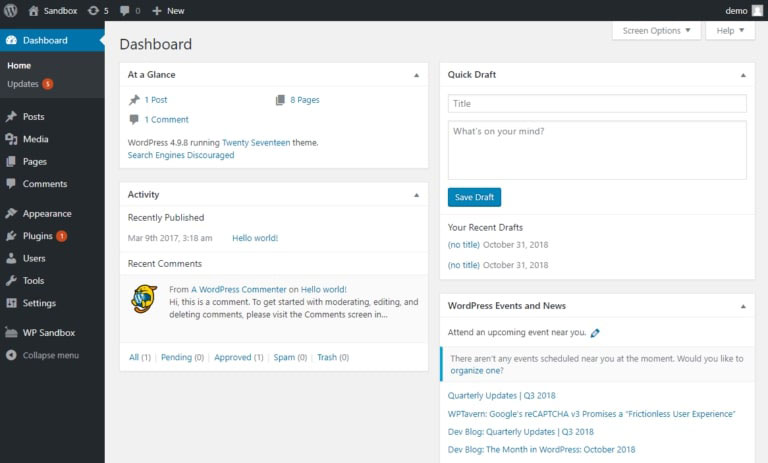
(WordPress dashboard, pagely.com)
Advantages of WordPress
There are plenty of tutorials available to help you improve your website management experience. It has a detailed list of existing plugins WordPress offers and reliable support that allows quick response to technical issues. It is one of the best web design sites as it is highly customizable and affordable.
WordPress Limitations
Using WordPress requires a level of experience. For starter templates, there is no ‘built-in’ SEO. Using WordPress can, at times, be overwhelming if you are just beginning. This is one of the best ecommerce websites, especially for those who are inexperienced.
Wix
Ideal for: Small businesses and personal websites
Pros: Easy drag-and-drop editor, built-in SEO tools, flexible design
Cons: Limited customization for developers, slower indexing due to AJAX
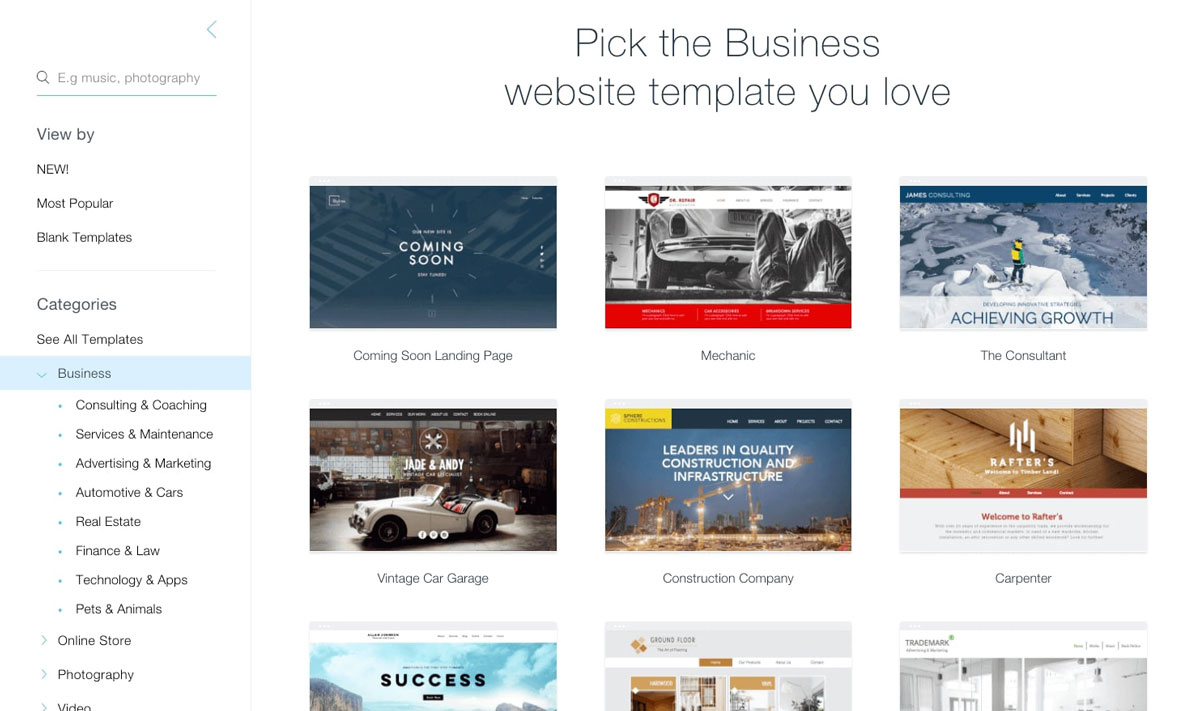
(Wix templates, websitetooltester.com)
Squarespace
Ideal for: Creatives and visual brands
Pros: Clean design, basic SEO features, mobile-responsive templates, integrates well with Shopify
Cons: Less control over advanced SEO, limited indexing capabilities
Did you know? There are almost 5 million Shopify stores!
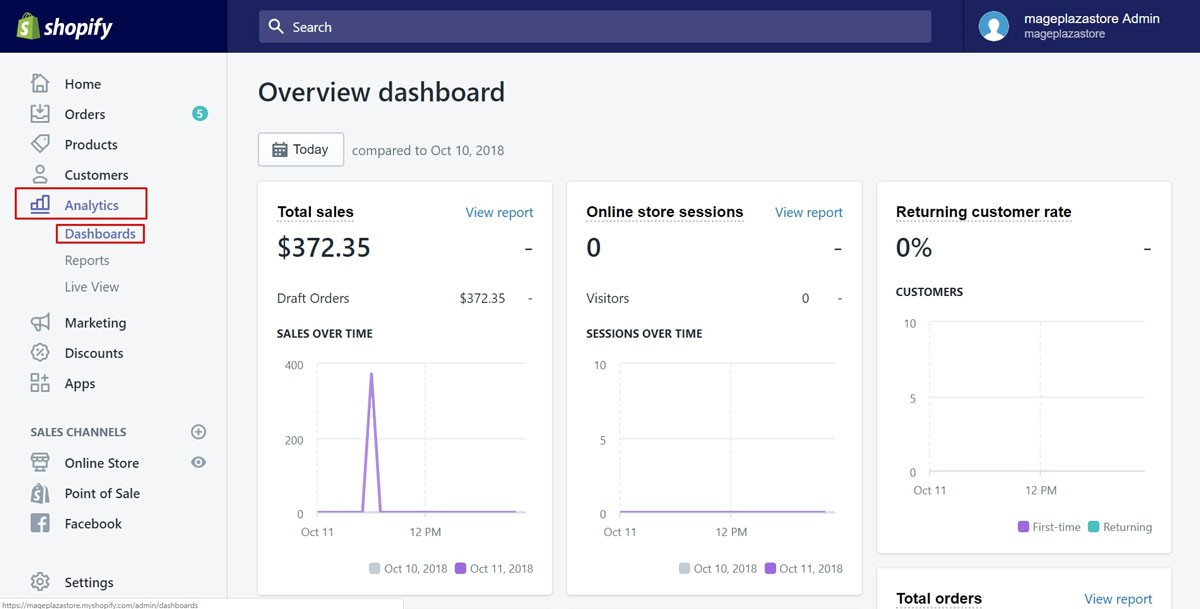
(Shopify dashboard, avado.io)
Weebly
Ideal for: Beginners and startups
Pros: User-friendly, basic SEO support, free plan available
Cons: Outdated SEO features, less flexibility than competitors
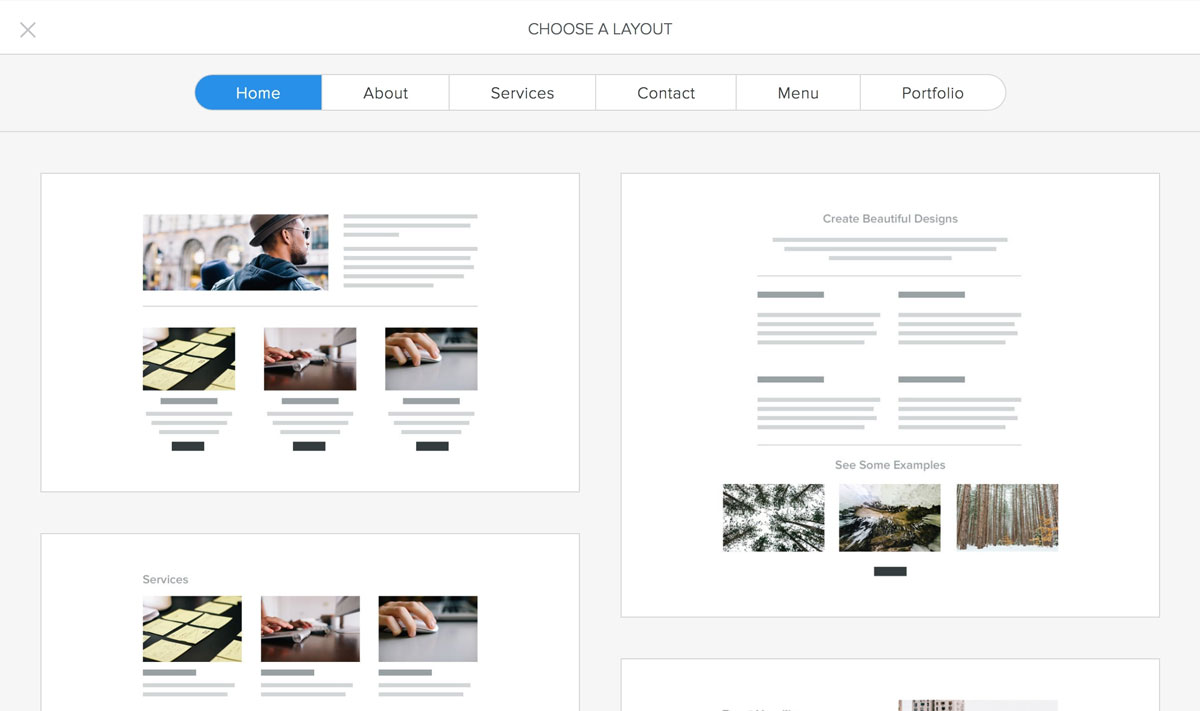
(Weebly website builder, Hostgator)
We hope that you found this article useful.
If you want to know more interesting about your site health, get personal recommendations and alerts, scan your website by Diib. It only takes 60 seconds.

Ghost
Ideal for: Bloggers and publishers
Pros: Built-in SEO, AMP support, clean interface
Cons: Limited e-commerce functionality, fewer third-party integrations
Joomla
Ideal for: Developers and advanced users
Pros: Full SEO control, open source, strong community support
Cons: Requires configuration, not beginner-friendly
Final Thoughts: How to Choose the Best Website Builder
There’s no one-size-fits-all solution, but choosing your preferred website builder comes down to:
-
Your budget
-
Your technical skill level
-
Your SEO and eCommerce needs
-
The future scalability of your site
Whether you’re looking for the best SEO website platform, the best website builder for beginners, or the best eCommerce website builder, prioritize platforms that offer flexibility, great design, and powerful optimization tools.
Diib®: Boost Your Visibility with Multi-Channel Marketing!
Your company may already have a reliable marketing channel. However, one platform is never enough, and you need to use as many as you can to reach a vast range of prospects. Remember to give your customers a consistent experience across all channels and connect with them in ways that match their preferences. It results in expanded reach, higher conversions, organic growth of followers, high retention rate, increased engagement, and impression levels.
Diib offers a comprehensive look into your multi-channel marketing campaign. You can monitor metrics such as:
- Keyword, backlink, and indexing monitoring and tracking tools
- Google Core Algorithm monitoring
- PPC monitoring and tracking
- Alerts for broken pages with backlinks (also known as a 404 checker)
- Alerts and Objectives that guide you to improve your website
Click here for your free 60 second site analysis and industry ranking!
FAQ’s
WordPress is usually used for blogs and a variety of business websites.
Yes, WordPress is great for beginners, as it has a simple interface that is easy to use.
Shopify is the leading platform for e-commerce sites, and is used by over 400,000 websites.
You can sell close to anything on Shopify from services, memberships, products, and classes.
Although Wix has a number of features, it is more concerning templates and design, and is not not a full CMS.



 See how to easily grow your traffic!
One thought on “The Top 6 Best Website Builders For 2025”
Comments are closed.